Replying to a text
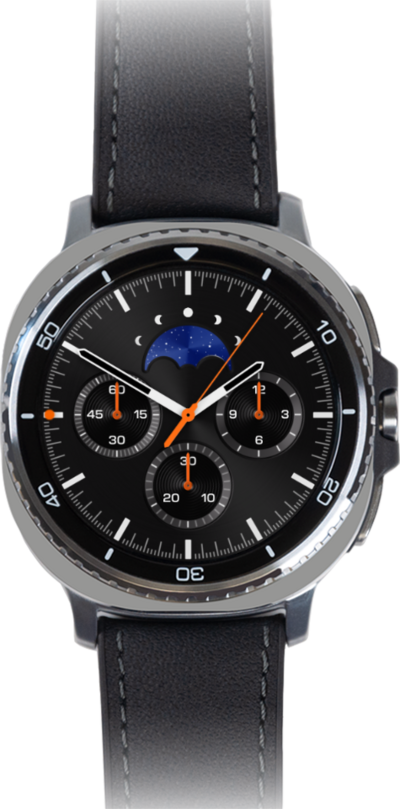
Galaxy Watch8 Classic
Replying to a text
Text messages that come to your device will appear in your notification panel. Learn how you can view the messages that arrive in your notification panel and respond to them.
1.
From a watch face, swipe to your notifications.
2.
Select the message notification you would like to reply to.
3.
Scroll to and tap the Message field.
You can also tap a quick response to send it immediately.
4.
Enter your reply.
To select punctuation, dictate a message, or add emoji, swipe up from the bottom of the screen to open the Keyboard menu.
5.
Tap the Send icon.
6.
You've completed the steps!
