Configuring location settings
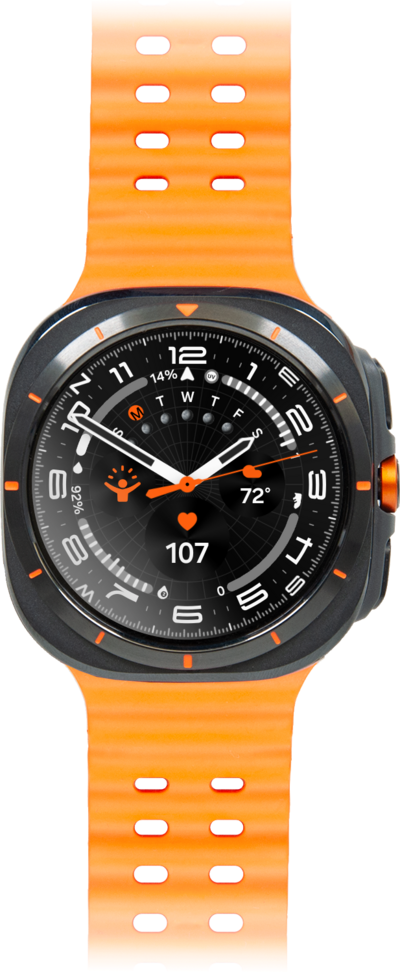
Galaxy Watch Ultra
Configuring location settings
Sharing your GPS location with applications such as Maps can be turned on or off. You can change these location settings across your entire device or per app.
1.
From the Settings app, scroll to Location.
2.
Tap Location.
3.
Tap or slide the Location switch to ON.
If you turn Location Services off, you won't be able to use Google Maps or any other apps or features that require your location.
4.
You've completed the steps!
