Connecting to Wi-Fi
Galaxy Watch8
Connecting to Wi-Fi
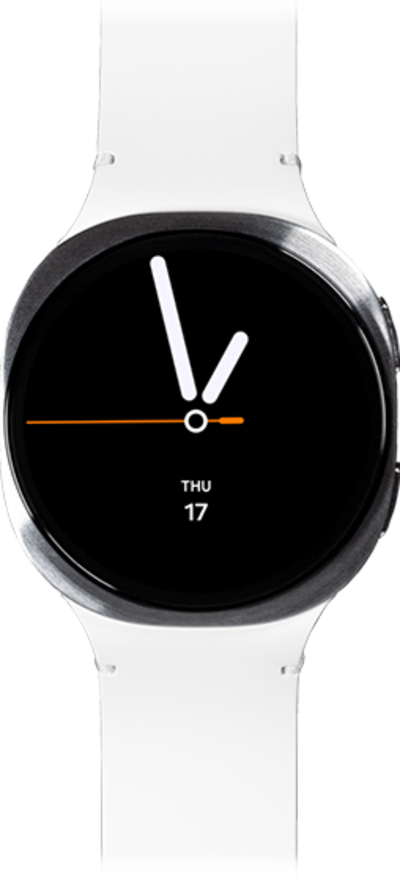
Follow along with these steps to connect to Wi-Fi.
1.
From the Settings app, tap Connections.
2.
Tap Wi-Fi.
3.
Switch Wi-Fi to on.
If your watch is connected to a device with Wi-Fi enabled, you watch will automatically connected to the same network.
4.
Scroll to Available networks.
5.
Select the Wi-Fi network you'd like to connect to.
Wi-Fi hotspots may have security limitations, requiring a password. If necessary, enter the network password and tap Connect.
6.
You've completed the steps!
