Changing text message settings
Pixel 10
Changing text message settings
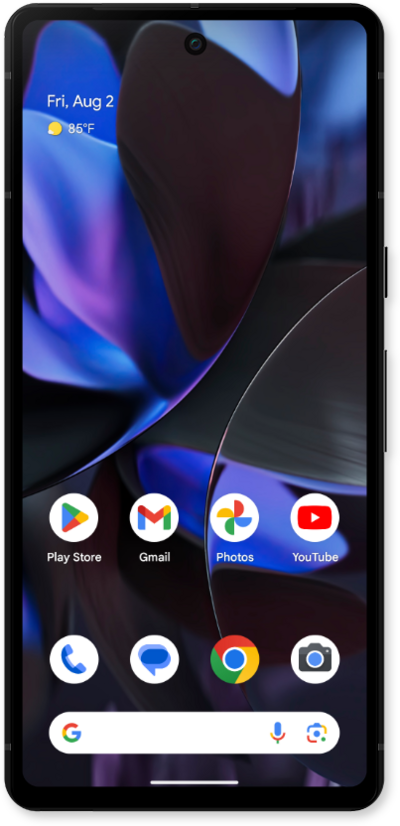
Change the text messaging settings for your device. You can change your notification settings, change your default SMS app, auto-download MMS text, and more.
1.
From the Messages app main screen, tap the Account icon.
2.
Tap Messages settings.
3.
Scroll to and tap Advanced.
This screen allows you to adjust various message settings. Some key options include:
- RCS Chats including read receipts and typing indicators.
- Notification Settings
- Spam Protection
- Advanced Settings
4.
Select your preferences.
5.
You've completed the steps!
