Transferring your watch to a new device
Galaxy S25 Ultra
Transferring your watch to a new device
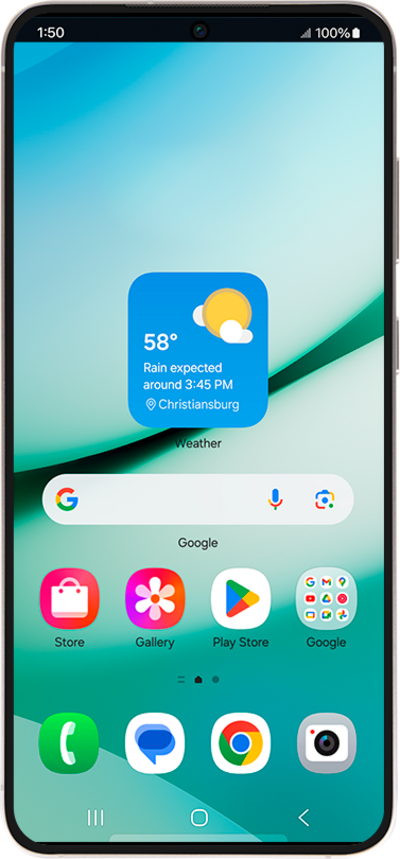
Save your data and information by transferring it from your watch to a new device.
1.
From the Settings app, scroll to General.
2.
Tap General.
3.
Scroll to Transfer watch to new phone.
4.
Tap Transfer watch to new phone.
5.
Tap the Check mark icon.
After this step, your watch will appear on your new device as ready to set up. If it doesn't appear, make sure you've installed the Galaxy Wearable app and enabled Bluetooth.
6.
You've completed the steps!
