Uninstalling an app or widget
Galaxy Watch8
Uninstalling an app or widget
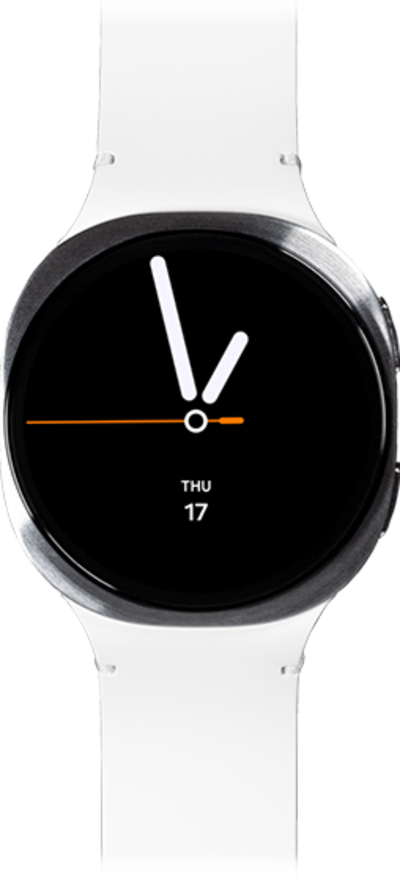
Uninstall an app from your watch while deleting it from your device at the same time. It is also possible to delete an app from your watch without deleting it from your device.
1.
From the Apps screen, scroll to the app you'd like to uninstall.
2.
Touch and hold the app you'd like to uninstall.
3.
Tap Uninstall.
4.
Tap OK.
5.
You've completed the steps!
