Switching your preferred SIM for text messages
Galaxy Z Fold7
Switching your preferred SIM for text messages
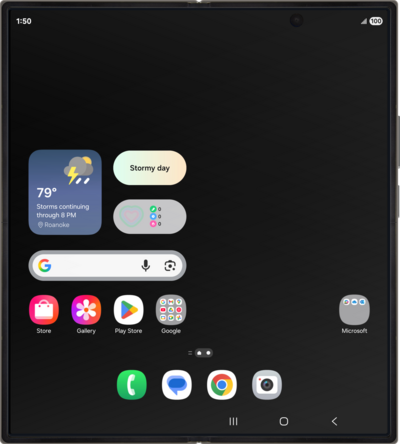
With the dual sim feature of your device, you can easily switch between phone numbers when sending an SMS or MMS message.
1.
From the Message app, tap the New Chat icon.
2.
Tap your currently used SIM.
3.
Select the SIM you'd like to use for both SMS and MMS messages.
4.
Tap Select SIM.
5.
Select a contact you'd like to send a message to.
6.
You've completed the steps!
