Setting the phone to silent
Galaxy Z Fold7
Setting the phone to silent
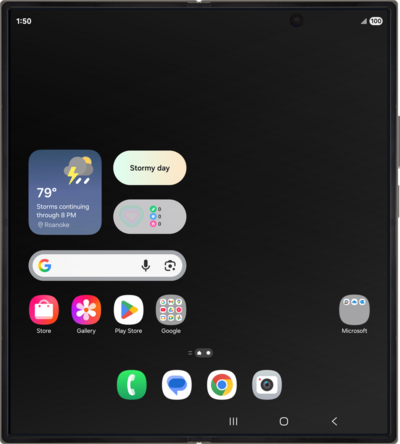
When your device is in do not disturb or silent mode, it will not make a sound to notify you of incoming notifications.
1.
From the Home screen, drag down the right side of your screen to open the Quick Settings panel.
2.
Tap the Sound icon to set your phone to vibrate only.
3.
Tap the Vibrate icon to set your phone to silent.
You can also use the Volume buttons to lower the volume to silent.
4.
You've completed the steps!
