Turning Airplane mode on and off
Galaxy Z Fold4 5G
Turning Airplane mode on and off
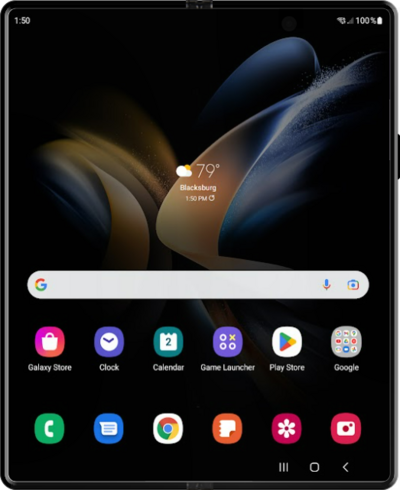
Airplane mode turns off cellular, Wi-Fi, and Bluetooth connections. (Note: You can manually turn Wi-Fi or Bluetooth back on while airplane mode is active.)
1.
From the Connections tab in Settings, tap or slide the Airplane mode switch to ON.
You can also turn airplane mode on and off through the Notification panel.
2.
You've completed the steps!
