Backing up and restoring your phone
Galaxy Z Fold5
Backing up and restoring your phone
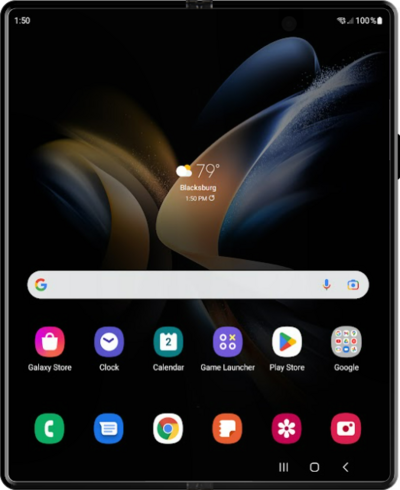
It is a good idea to back up your device's information to the cloud regularly in case something happens to your device. Backing up your device's data to the cloud can also make it easier to set up a new device.
1.
From the Settings app, scroll to and tap Accounts and backup.
2.
Tap Back up data.
3.
Tap Turn on.
4.
Select your backup options.
5.
Tap Confirm.
6.
You've completed the steps!
