Adding a contact
Galaxy Z Fold6
Adding a contact
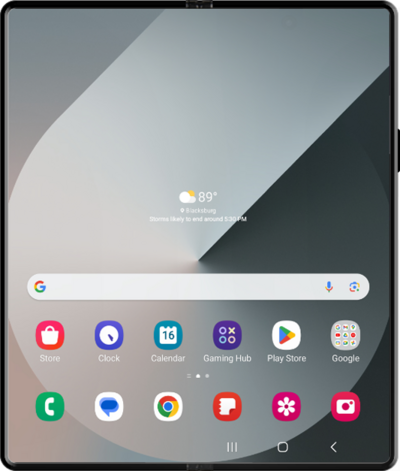
Create a new contact to store that person's information on your device. In addition to saving their phone number, you can store information like email, address, and more.
1.
From the Contacts app main screen, tap the Add contact icon.
If prompted, select your contact storage location.
2.
Enter the contact's name.
3.
Tap the Phone field.
4.
Enter the contact's phone number.
5.
Tap the Next key.
6.
Enter the contact's email address.
7.
Tap Save.
8.
You've completed the steps!
