Multitasking between apps
Galaxy Z Fold7
Multitasking between apps
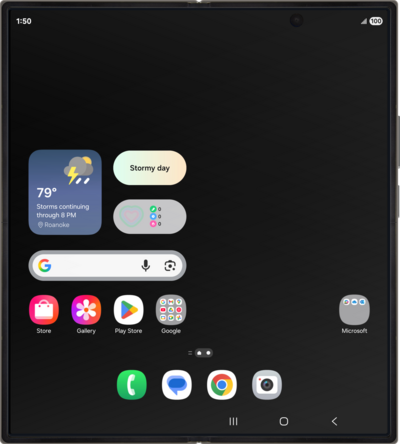
It's easy to switch between different apps on your device, and there are multiple ways you can share data between them.
1.
From the Home screen, press the Recent apps button.
Recently opened apps will appear in the order you last used them.
2.
Select an app.
Some apps let you have multiple windows open at a time. If you have more than one open, you can go directly to any window.
3.
Touch and hold to select the text you'd like to copy.
4.
Tap the Copy icon.
5.
Tap the Recent Apps button.
6.
Select the app you'd like to view.
7.
Tap the Search here field.
8.
Touch and hold the Search here field.
9.
Tap Paste.
10.
Select an option.
11.
Press the Recent apps button.
12.
Swipe an app up to close it.
You can also tap the X icon to close an app.
13.
You've completed the steps!
