Enabling Auto Blocker
Galaxy Z Fold7
Enabling Auto Blocker
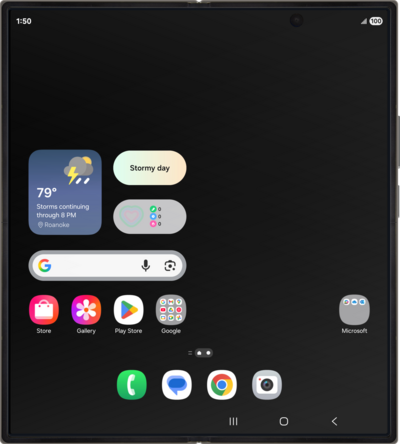
Learn how to enable Auto Blocker in order to further secure and protect your device.
1.
From the Settings app, scroll to and tap Security and privacy.
2.
Scroll to Auto Blocker.
3.
Tap Auto Blocker.
4.
Tap or slide the Auto Blocker switch to ON.
5.
You've completed the steps!
