Adjusting RTT/TTY calling settings
Galaxy Z Fold7
Adjusting RTT/TTY calling settings
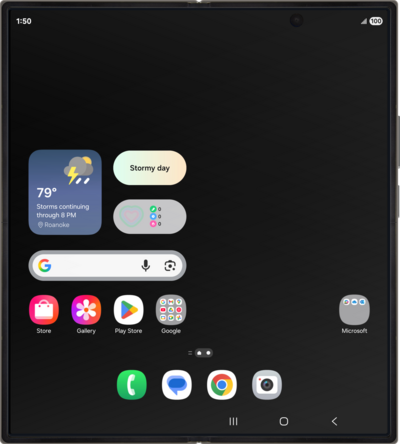
Learn how to adjust your RTT/TTY calling settings. This feature allows you to communicate effectively over the phone if you are having hearing or speech difficulties.
1.
From the Phone app main screen, tap the Sidebar icon.
2.
Tap the Settings cog icon.
3.
Scroll to Real Time Text.
4.
Tap Real Time Text.
5.
Tap RTT call button.
6.
Select your preferred RTT call button setting.
7.
You've completed the steps!
