Customizing the clock and shortcuts on your Lock screen
X7 Plus
Customizing the clock and shortcuts on your Lock screen
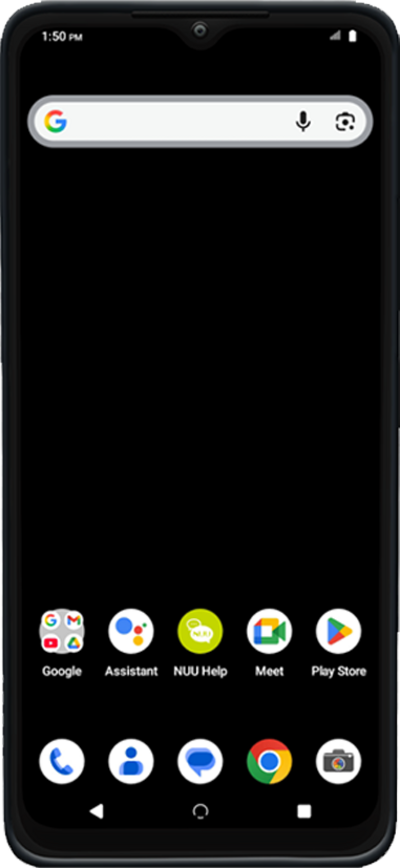
Some apps can be accessed quickly from your lock screen. You can change the apps that appear on the lock screen for quick access.
1.
From Settings, scroll to and tap Wallpaper.
2.
Tap Wallpaper & style.
3.
Tap Clock color & size.
4.
Select your preferences.
5.
Tap the Back icon.
6.
Swipe up to see more customization options.
7.
You've completed the steps!
