Transferring content from your old device via USB
Transferring content from your old device via USB
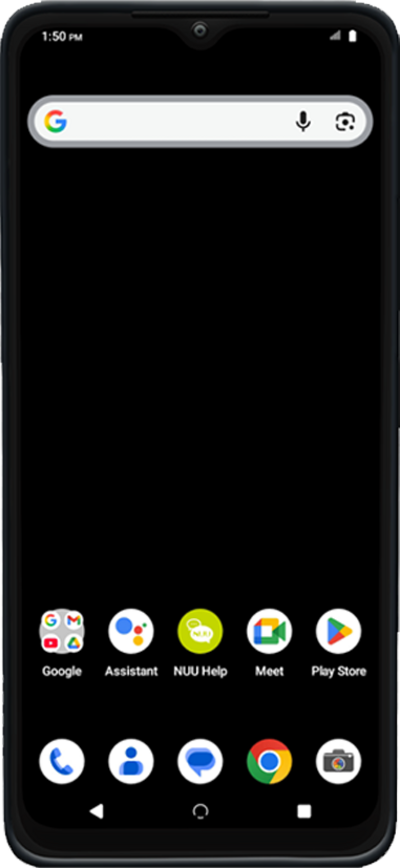
Tap Start.
Tap Next.
Tap Next again.
Select your Wi-Fi network, enter its password, and tap Connect.
Tap Next.
Tap Next again.
Tap Can’t use old device? if you would like to restore your information from a Google backup instead.
Tap Next again.
Using a compatible USB cable connect your old device to your new device and tap Next again.
On your other device, follow the on-screen instructions.
Enter you Google password and then tap Next.
Choose what to copy and then tap Copy.
Tap More.
Tap Accept.
Select your Google services back up option and then tap Turn on backup.
Set your PIN and then tap Next.
Re-enter your PIN and then tap Confirm.
Tap I agree.
Tap I agree again.
Tap No thanks.
Once your device completes copying from your old device, tap Done.
Tap Next.
You've completed the steps!
