Using the Crown
Pixel Watch 4
Using the Crown
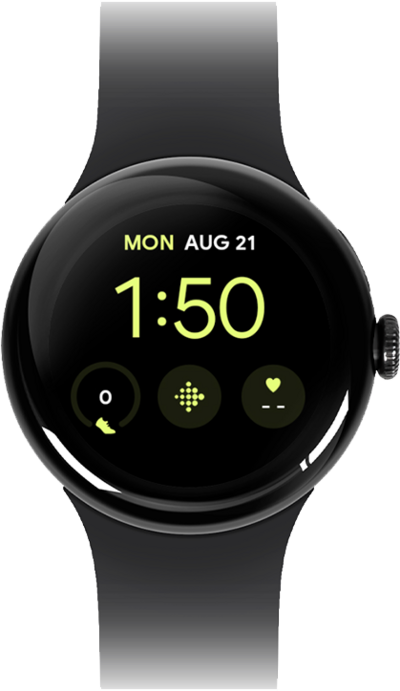
Learn how to navigate your watch's home screen. You can access notifications and apps from the main screen.
1.
Press the Crown to wake your watch.
2.
Press the Crown to open the Apps menu.
3.
Quickly press the Crown twice to access Google Wallet.
4.
Press the Crown from any screen to return to the watch face.
5.
You've completed the steps!
