Using the Side Button
Pixel Watch 4
Using the Side Button
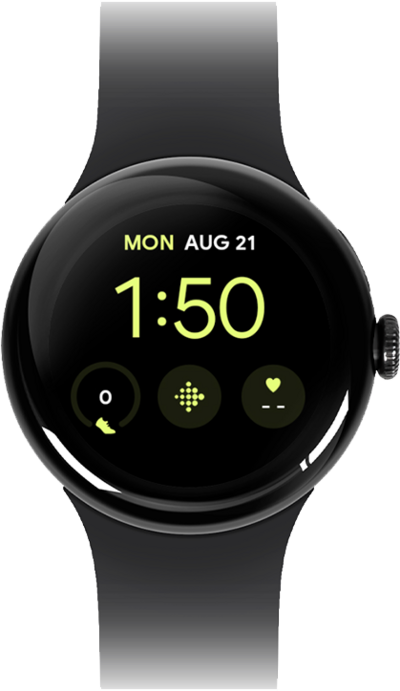
The buttons on your watch have many different functions, including viewing your recent apps, making a contactless payment, and powering the watch off. The crown lets you scroll through lists and return to the watch face.
1.
From any watch screen, quickly double-press the Side button to open your most recent app.
2.
Press the Side button to view all recent apps.
3.
Press the Side button again to close the Recent Apps screen.
4.
You've completed the steps!
