Adding a new Lock Screen for different Focus Modes
iPhone SE (2nd generation)
Adding a new Lock Screen for different Focus Modes
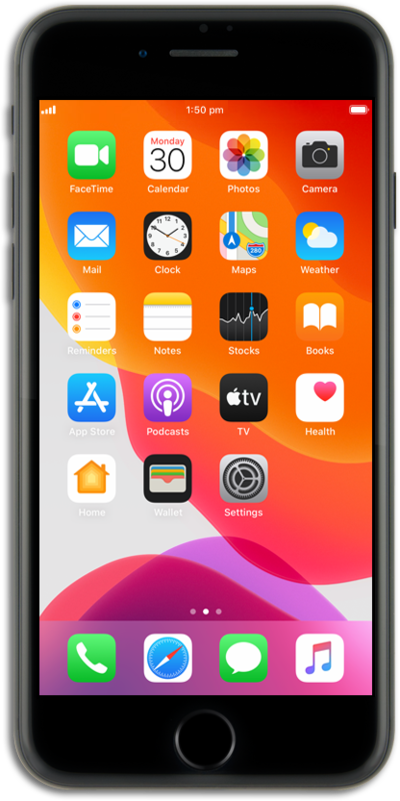
Your Lock Screen can change dynamically based on which Focus Mode you're using, in case you want to have different wallpapers or widgets when working, or relaxing, et cetera.
1.
From within the Settings app, scroll to and tap Focus.
For this example we will be using Do Not Disturb, but you can select any Focus mode that you'd like to assign a customized Lock Screen.
2.
Tap Do Not Disturb.
3.
Scroll to and tap Choose under Customize Screens.
4.
Tap Create a New Lock Screen.
You can also select an existing Lock Screen.
5.
Tap on your preferred selection.
6.
Tap Add.
7.
Tap Set as Wallpaper Pair.
If you want to have a separate Home Screen wallpaper from your Lock Screen, tap Customize Home Screen and select one of the options at the bottom of the screen.
8.
You've completed the steps!
