Managing your iPhone battery
iPhone Air
Managing your iPhone battery
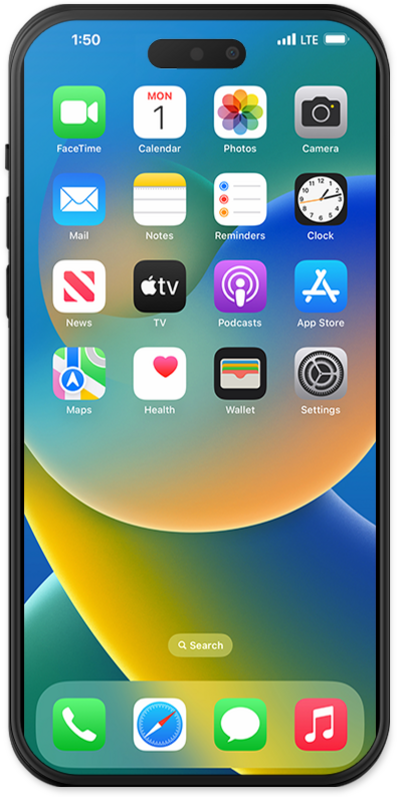
Learn how to manage the battery on your device. Taking care of your battery will extend your battery life.
1.
From the Settings app, tap Battery.
2.
From this screen, several options are available for reading and managing your battery usage. These options include:
- Daily Usage - Use this graph to read and compare how much battery you've used day to day, and on average.
- View All Battery Usage - Displays all battery usage, broken down by app and system sources.
- Battery Health - Gives an overview of your battery's health, maximum capacity, and the Cycle Count of times your iPhone used its battery's full capacity.
- Charging - Allows you to set charge limits, or have your iPhone track usage patterns and wait to fully charge the battery until you're ready to use it.
- Power Modes;
- Adaptive Power - iPhone will make performance adjustments, such as lowering display brightness or slowing some processes, to mitigate higher-than-usual power usage.
- Low Power Mode - Temporarily reduces background activities, iCloud syncing, and more features and processes to maximize power savings.
3.
You've completed the steps!
