Managing and closing opened apps
iPhone 17 Pro
Managing and closing opened apps
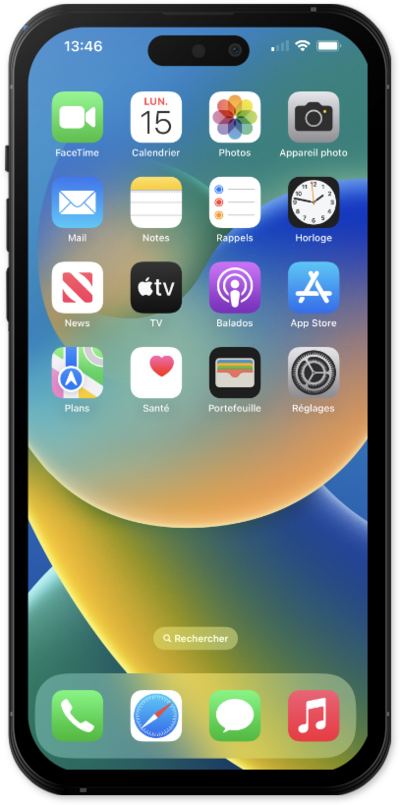
You can switch between and close any apps that are running on your device. You can also see all of your currently running apps by accessing the Recents screen.
1.
To view your open apps, swipe up from the bottom of your screen and hold.
If you are using a device with a home button, double tap the Home button instead.
2.
Select the app you'd like to use.
3.
To close an open app, swipe up from the bottom of your screen and hold.
If you are using a device with a home button, double tap the Home button instead.
4.
Swipe an app up to close it.
5.
Tap an empty space on your screen to return to the main Home screen.
If you are using a device with a home button, you can also press the Home button to save your changes.
6.
You've completed the steps!
