Finding your Model, Serial, and Part Number
iPhone SE (2nd generation)
Finding your Model, Serial, and Part Number
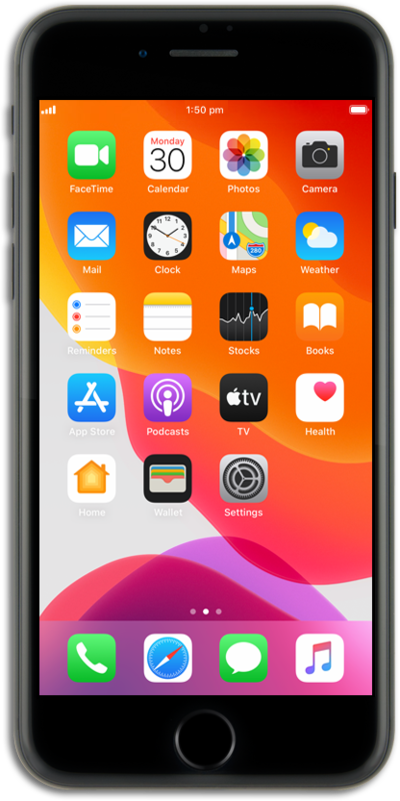
Learn how to locate important information relating to your specific device. This information may help you with any concerns or questions you have about your device.
1.
From within the Settings app, tap General.
2.
Tap About.
3.
Tap Model Number to toggle between the Model Number and the Part Number.
From this screen, you may also view your Serial Number.
4.
You've completed the steps!
