Turning Music Haptics on and off
iPhone 17
Turning Music Haptics on and off
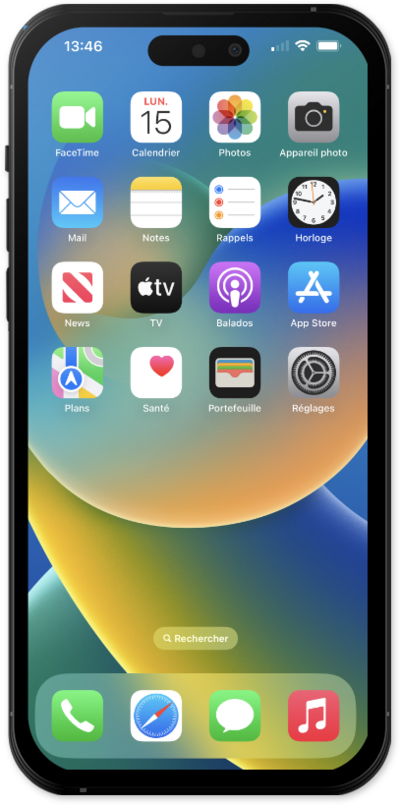
Music haptics is an accessibility feature that allows people to experience music through tactile feedback. It plays vibrations, textures, and taps that correspond to the audio of the music.
1.
From within the Settings app, tap Accessibility.
2.
Scroll to and tap Music Haptics.
3.
Tap or slide the Music Haptics switch to ON.
Once Music Haptics is turned on, you'll see a new icon on the Now Playing screen in the Music app and on the Lock screen that indicates that Music Haptics is active. You can also tap on this icon to turn Music Haptics on or off.
4.
You've completed the steps!
