Turning Stage Manager on and off
iPad Pro (M4)
Turning Stage Manager on and off
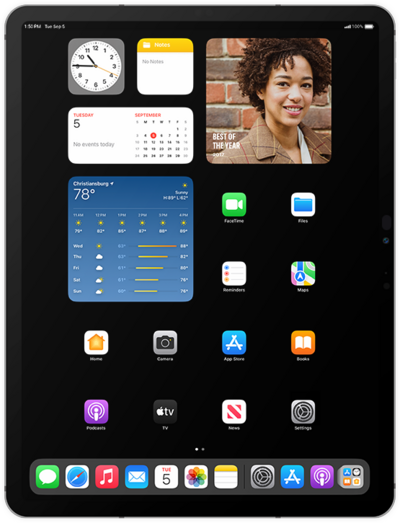
Stage Manager allows you to resize your windows, see multiple overlapping windows in a single view, tap to switch between apps, and more.
1.
From within the Settings app, tap Multitasking & Gestures.
2.
Tap Stage Manager.
If necessary, read any first-time popups and tap Continue.
3.
To use Stage Manager, swipe in from the left edge of an app.
4.
Press and hold an app to drag it to your workspace.
5.
Drag the black corner of the app window to resize it.
6.
To remove an app from your current workspace, tap the Menu icon.
7.
Tap the Close icon.
This will close the app and remove it from Stage Manager. To keep it open for use in other Workspaces, tap Minimize instead.
8.
You've completed the steps!
