Resetting your Apple ID password
iPad (A16)
Resetting your Apple ID password
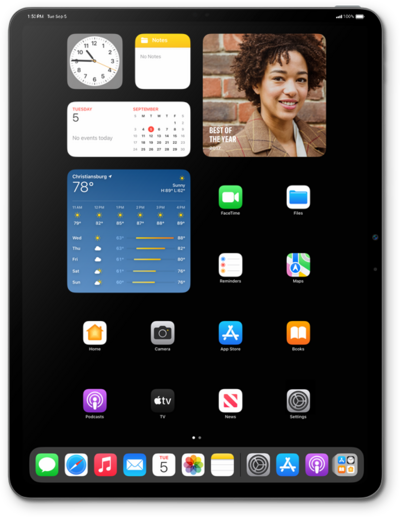
Follow along to learn how you can reset your password if you have forgotten it.
1.
From your Apple ID sign in screen, tap Forgot your password?.
You may access this screen from a number of places on your device. For this tutorial we are accessing it from Settings while trying to sign into your Apple profile.
2.
Enter your Apple ID and tap Continue.
3.
Enter your trusted phone number and tap Continue.
4.
Enter the verification code sent via text to your trusted number.
If you have multiple Apple devices, you may be asked to enter the Passcode from one of your devices to confirm your identity.
5.
Enter your new password in both the Password field as well as the Verify field, then tap Continue.
6.
Tap Done.
You may be asked to input your iPad's passcode if one has been set.
7.
You've completed the steps!
