Customizing the Camera Control
iPhone 17
Customizing the Camera Control
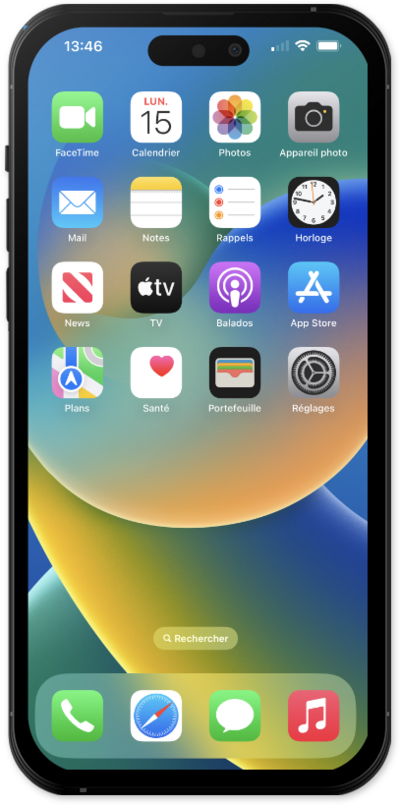
Learn how to adjust your setting for the camera control button.
1.
From within the Settings app, scroll to and tap Accessibility.
2.
Scroll to and tap Camera Control.
From this screen you can change the pressure required to lightly press the Camera Control or the speed required to lightly double-press the Camera Control. You can also disable the light press gesture or disable the Camera Control entirely.
3.
Navigate back to the main Settings, then scroll to and tap Camera.
4.
Tap Camera Control.
From this screen you can change the number of clicks it takes to open Camera with the Camera Control. You can also set the Camera Control to open other camera apps or not open any app when clicked.
5.
You've completed the steps!
