Zooming in and out
Watch Series 11
Zooming in and out
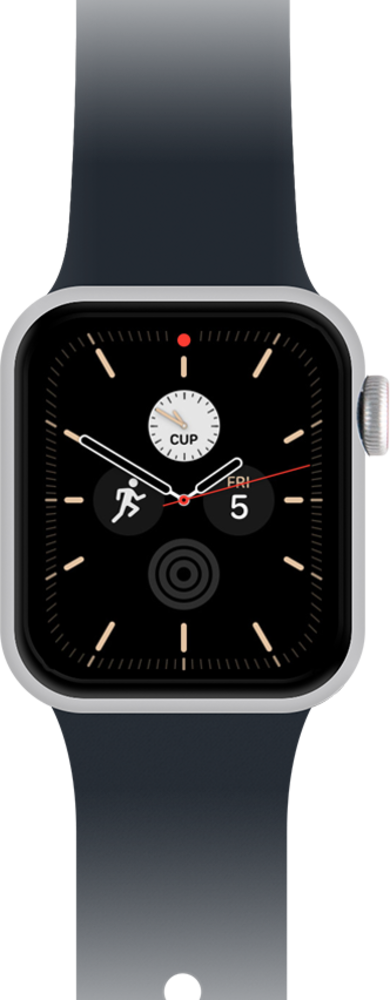
Zoom in or out while taking a video or before taking a picture to make the subject of your shot look the best.
1.
From the Camera app main screen, turn the Digital Crown to zoom in.
2.
Tap the Shutter icon to take a picture.
3.
To zoom out, turn the Digital Crown.
4.
Tap the Shutter icon to take a picture.
5.
You've completed the steps!
