Controlling your touchscreen with taps, gestures, or an external device
Controlling your touchscreen with taps, gestures, or an external device
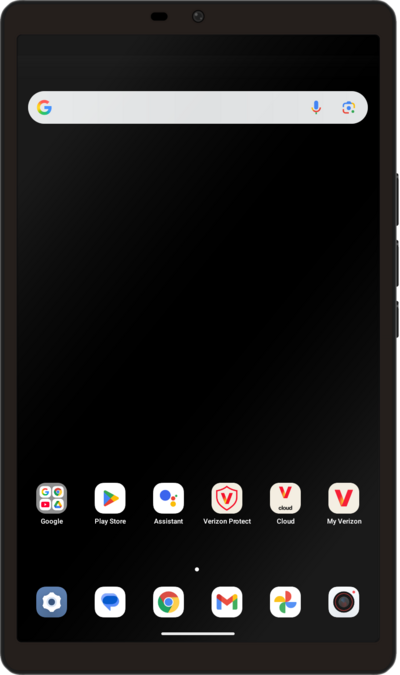
From within the Settings app, scroll to and tap Accessibility.
Tap Switch Access.
Tap or slide the Use Switch Access toggle to ON.
Once the toggle is on, to give access to your device tap Allow.
Select your preferred switch type.
For this tutorial, we are selecting Camera Switch. You can choose another option, but your steps may vary.
Tap Next.
You may need to grant Switch access to your camera. Follow the on-screen prompts to allow permission.
Select your preferred number of switches and tap Next to continue setup.
Select your preferred method for scanning and tap Next to continue setup.
Select your preferred gesture or gestures for the Next action, then tap Next to continue setup.
Select your preferred gesture or gestures for the Select action, then tap Next to continue setup.
Select your preferred gesture or gestures for the Pause action, then tap Next to continue setup.
To access the Switch Menu, face your device's front camera and use your selected gesture for the Next action.
Use your selected gesture for the Select action.
You've completed the steps!
