Using the Magnification shortcut to quickly make content larger
Tab8 NXTPAPER 5G
Using the Magnification shortcut to quickly make content larger
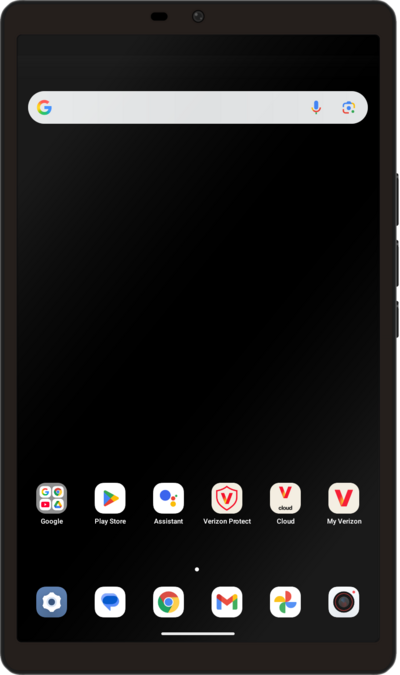
Use the magnification box to enlarge certain parts of your screen. This option can be toggled on or off in your accessibility settings.
1.
From within the Settings app, scroll to and tap Accessibility.
2.
Tap Magnification.
3.
Tap Magnification shortcut.
For this tutorial, we are demonstrating how to use magnification with a triple-tap. You can also use an accessiblity button but steps may vary based on what you choose.
4.
Tap Advanced.
5.
Tap Triple-tap screen.
6.
Tap Save.
7.
Quickly tap three times on a region of the screen you'd like to magnify.
8.
Quickly tap the screen three times again to zoom back out.
9.
You've completed the steps!
