Turning Mobile Hotspot on or off
Tab8 NXTPAPER 5G
Turning Mobile Hotspot on or off
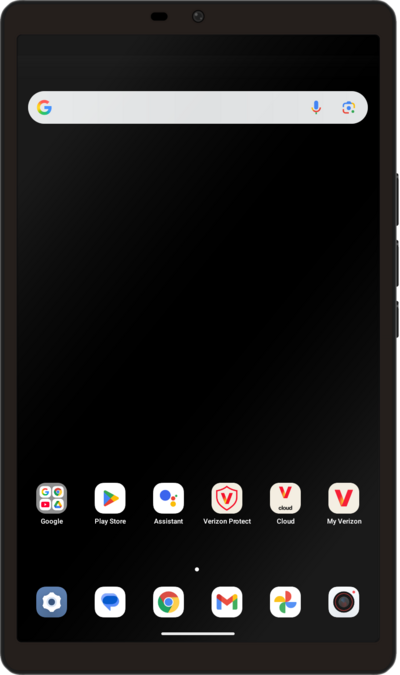
Set up your device as a Mobile Hotspot so you can share your data connection with other devices. Your device will create a Wi-Fi hotspot with its data connection. Other devices will be able to connect to the Wi-Fi hotspot.
1.
From within the Settings app, tap Connections.
2.
Tap Tethering & Mobile Hotspot.
3.
To turn your Mobile hotspot on, tap or slide the Mobile Hotspot switch ON.
4.
To configure your hotspot further, tap Mobile Hotspot.
5.
Tap Set up Mobile Hotspot.
6.
Proceed to edit these settings as desired. For a better understanding of each option, refer to the explanations below:
- Network name: This is the name of your mobile hotspot, which other devices will see when they search for available Wi-Fi networks.
- Security: This is the type of encryption used to secure your hotspot connection.
- Password: This is the Wi-Fi password required for devices to connect to your hotspot.
7.
You've completed the steps!
