Saving storage by auto deleting old conversations
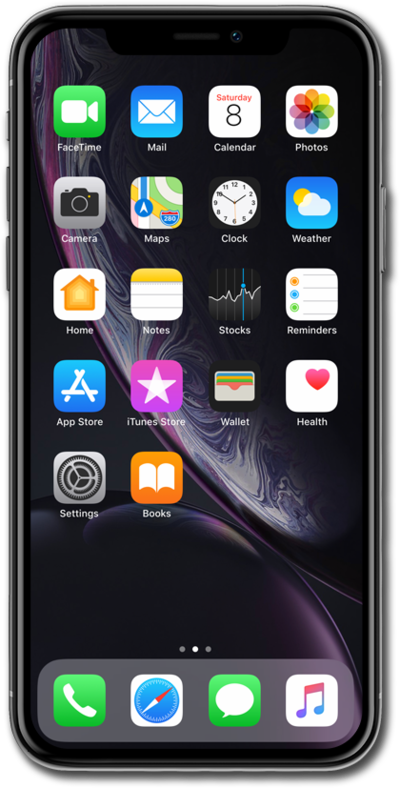
iPhone XR
Saving storage by auto deleting old conversations
Deleting old messages is a good way to save storage space. Many devices have the option to delete messages after they are a certain amount of days old. Other devices will limit the number of messages that can be stored on the device.
1.
From the Home screen, tap Settings.
2.
Scroll to and tap Messages.
3.
Scroll to and tap Keep Messages.
4.
Select your preferred message history duration.
If necessary, tap Delete to remove any messages older than your new selection.
5.
You've completed the steps!
