Removing an account
iPhone 8 Plus
Removing an account
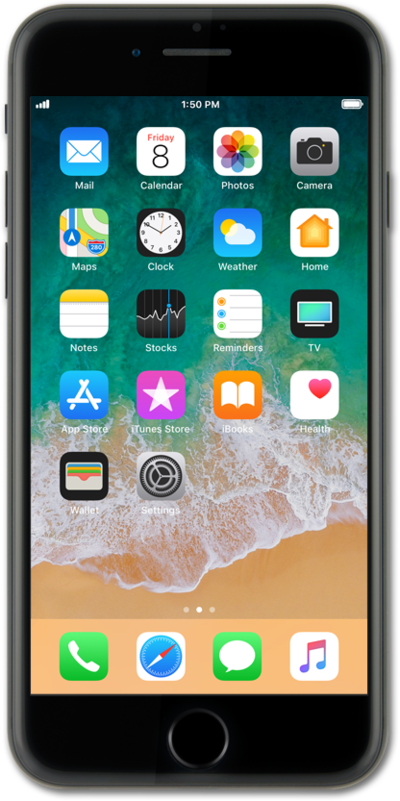
You are able to remove any email accounts that you have set up on your device. Removing an email account from your device does not delete the email account.
1.
From the Home screen, tap Settings.
2.
Scroll to and tap Mail.
3.
Tap Accounts.
4.
Select the account you'd like to remove.
5.
Tap Delete Account.
6.
Tap Delete Account again.
7.
You've completed the steps!
