Apple iPhone 8 Plus Device Help & How-To Guides
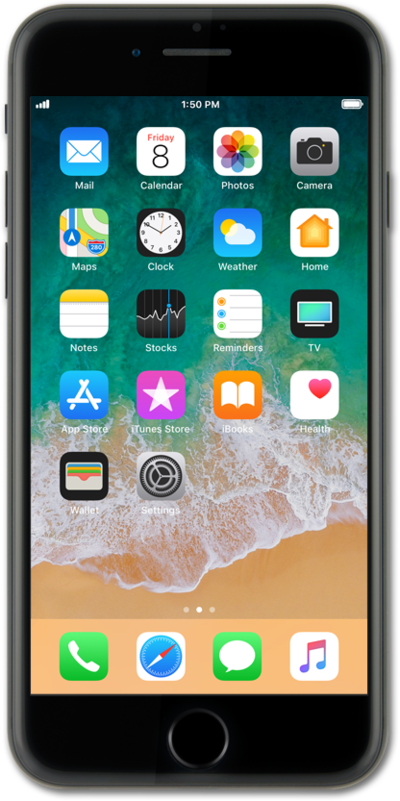
What would you like to learn about your device?
Trending iPhone 8 Plus topics
Turning data roaming on and off
When traveling internationally, you may want to turn data roaming on and off to conserve data and minimize unwanted fees.
ExploreManaging your Do Not Disturb Settings
When your device is in do not disturb or silent mode, it will not make a sound to notify you of incoming notifications.
ExploreActivating Wi-Fi calling
You can use Wi-Fi calling to make and receive calls in areas with limited or no cellular connectivity. If this option is not present on your device, or cannot be enabled, your carrier's network or your specific cellular plan might not support this feature.
Explore