Using Siri handsfree
iPhone 8 Plus
Using Siri handsfree
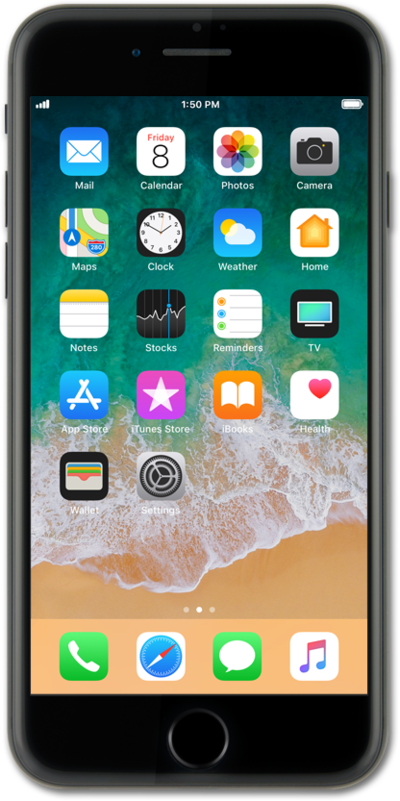
Enable "Hey Siri" to access Siri hands free on your device. Siri can do things like send a text
1.
From the Home screen, tap Settings.
2.
Scroll to and tap Siri & Search.
3.
Tap or slide the Listen for "Hey Siri" switch to ON.
4.
Tap Continue.
Follow the onscreen prompts, speaking the requests into your microphone.
5.
Tap Done.
6.
Speak "Hey Siri" followed by a request.
7.
You've completed the steps!
