Using Siri
iPhone 8 Plus
Using Siri
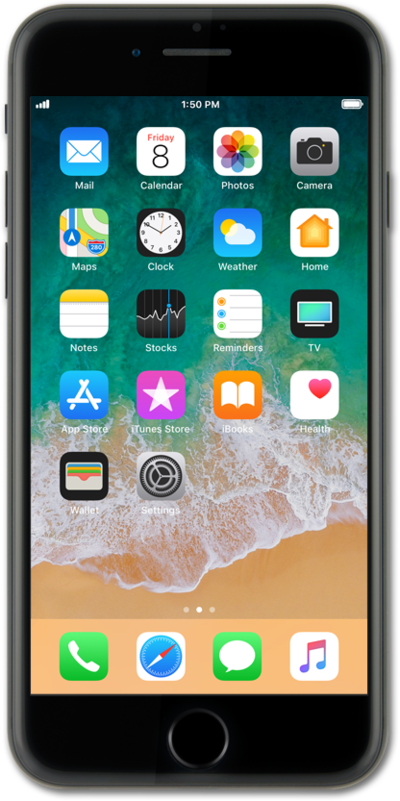
Once enabled, you can use a device button to launch Siri. Siri can do things like send a text, send an email, or start a phone call for you.
1.
From the Home screen, press and hold the Side button.
If your device has a Home button, press and hold the Home button instead.
2.
Speak "Navigate to" followed by a location.
If Siri understands your request, Apple Maps will begin turn-by-turn navigation automatically.
3.
You've completed the steps!
