Setting your volume levels with the volume panel
Motorola Razr 2025
Setting your volume levels with the volume panel
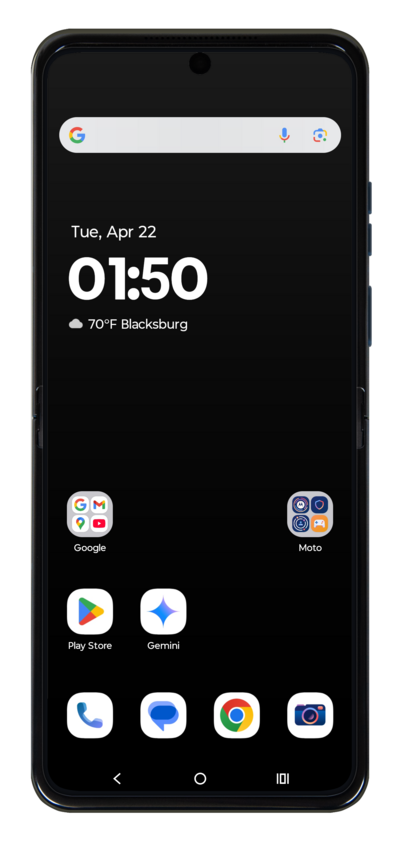
Learn how to adjust the volume of your device.
1.
Press the Volume buttons to change your volume.
2.
Tap the Menu icon.
From this screen, the volumes for various functions of your phone can be adjusted.
3.
Set your volume preferences.
For this tutorial, we're adjusting the ring volume. Other volumes that can be changed include the volumes of your alarms, notifications, calls, and media.
4.
You've completed the steps!
