Motorola Motorola Razr 2025 Device Help & How-To Guides
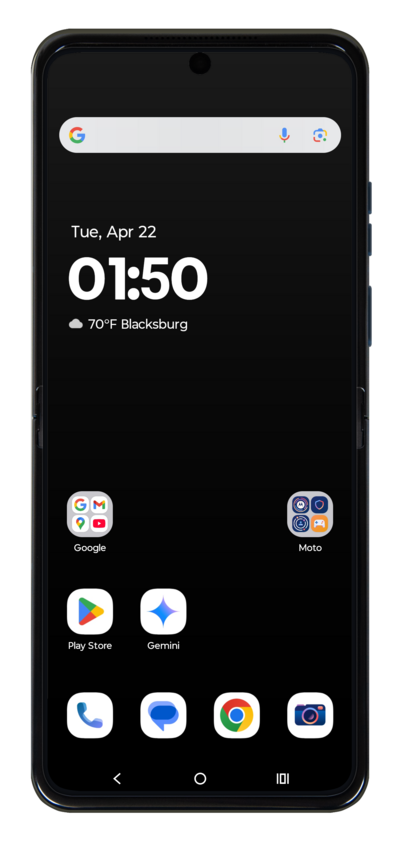
What would you like to learn about your device?
Trending Motorola Razr 2025 topics
Setting up your second cellular plan with an eSIM
Adding a secondary eSIM alongside a physical SIM or eSIM allows you to quickly switch between two cellular plans and/or carriers for voice or data.
ExploreResetting network settings
If you are having trouble connecting to the Internet you may need to reset your network connections. Resetting your network connections will disconnect any Bluetooth devices connected to your device and disconnect your device from any Wi-Fi networks it is connected to.
ExploreBacking up and restoring your phone
It is a good idea to back up your device's information to the cloud regularly in case something happens to your device. Backing up your device's data to the cloud can also make it easier to set up a new device.
Explore