Automatically archive apps to save space on your device
Moto G Play - 2026
Automatically archive apps to save space on your device
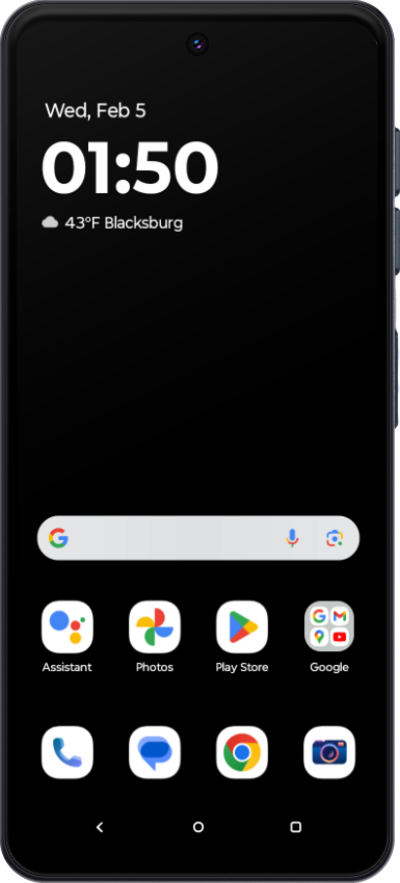
Free up space on your device by automatically archiving apps you don’t use often. When this setting is turned on, unused apps will be removed, but your personal data will be saved and the app’s icon will stay on your device. You can easily restore the app later.
1.
From the Home screen, tap Play Store.
2.
Tap the Account icon.
3.
Tap Settings.
4.
Tap General.
5.
Tap or slide the Automatically archive apps switch to ON.
6.
You've completed the steps!
