Changing text message settings
Galaxy Tab S10 FE 5G
Changing text message settings
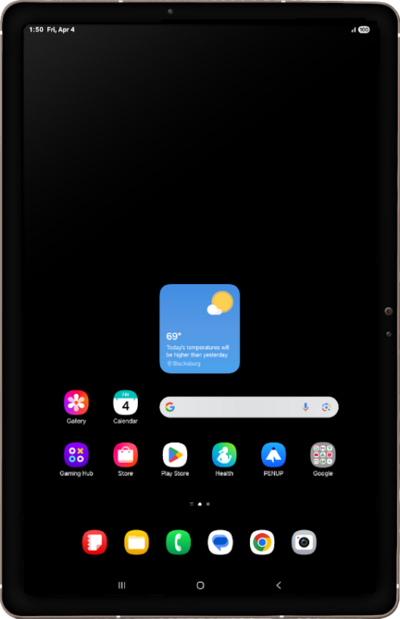
Change the text messaging settings for your device. You can change your notification settings, change your default SMS app, auto-download MMS text, and more.
1.
From the Messages app main screen, tap the Menu icon.
2.
Tap Settings.
3.
Select your preferences.
This screen allows you to adjust various message settings. Some key options include:
- Being notified your phone is using mobile data to share texts
- RCS Chats including read receipts and typing indicators
- Notification Settings
- Spam Protection
4.
You've completed the steps!
