Set your default SIM for calls, texts, and cellular data
Galaxy S25 Ultra
Set your default SIM for calls, texts, and cellular data
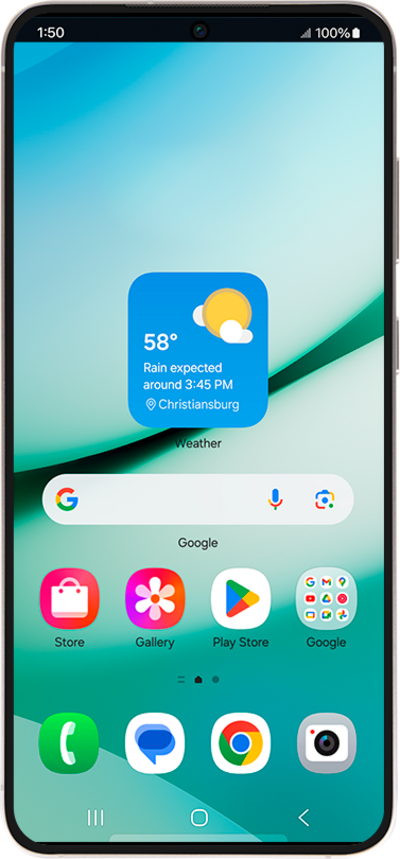
Discover how to configure your phone's default SIM settings. This guide covers selecting your primary SIM for making calls, sending texts, and accessing cellular data, streamlining your dual-SIM experience.
1.
From the Settings app, tap Connections.
2.
Tap SIM manager.
3.
Edit the following settings to set your SIM preferences:
- Calls - Tap Call, then select which SIM you'd like to use by default for voice calls—or choose Ask me every time to be prompted each time you make a call.
- Text - Tap Texts, then select your default SIM for sending text messages.
- Mobile data - Only one SIM can be active for mobile data at a time. If a default is already set, you’ll see a notification letting you know.
4.
You've completed the steps!
