Inserting and Removing a microSD Card
XCover7 Pro
Inserting and Removing a microSD Card
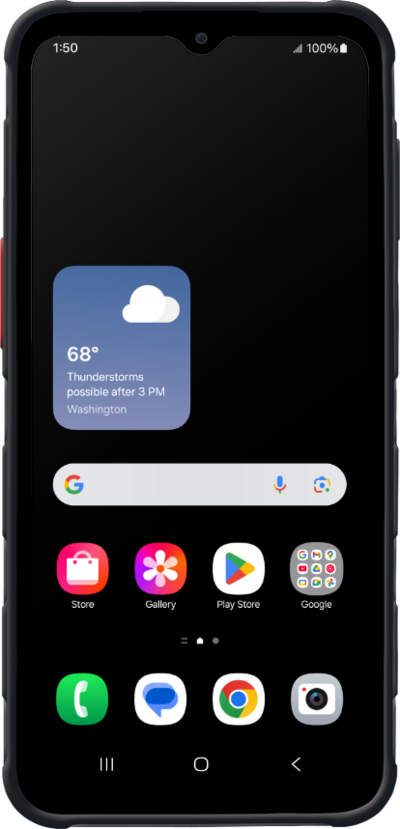
A microSD card can increase your available storage, providing additional room to store photos, videos, music, documents, and more. Learn how to insert a microSD card into your device.
1.
Locate the finger notch on the back of your device.
2.
With your device turned off, remove the phone's back cover using the finger notch.
Inserting a microSD card can increase the amount of available memory for apps, photos and music. Your phone doesn't come with a microSD card.
3.
Remove the battery using the finger notch.
4.
Slide the microSD card in or out of the slot with the gold contacts facing the front of the phone.
5.
Replace the battery, matching the contacts on the battery with the contacts in the battery slot.
6.
Replace the back cover, pressing on each corner to make sure it's secure.
7.
You've completed the steps!
