Transferring photos to an SD card
Axel
Transferring photos to an SD card
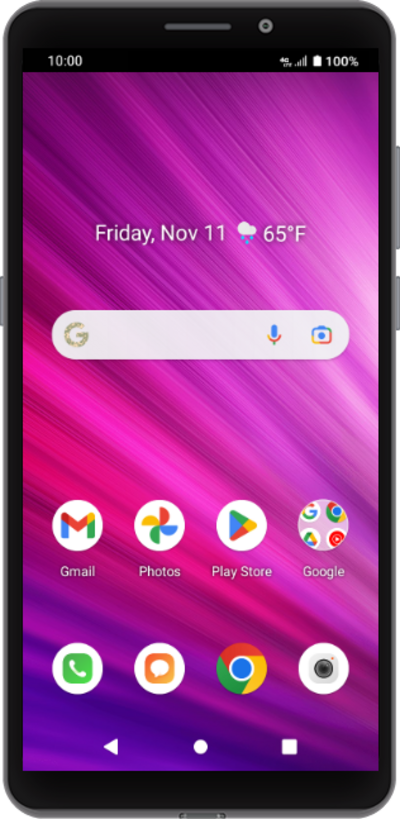
Move photos and videos to your SD card to free up space on your device. You will also be able to easily transfer videos and picture to a new device using the same SD card.
1.
From the Files app, tap the Sidebar icon.
2.
Tap the Device name.
3.
Tap DCIM.
4.
Tap Camera.
5.
Touch and hold the image you'd like to move.
6.
Tap the Menu icon.
7.
Tap Move to.
8.
Tap the Sidebar icon.
9.
Tap SD card.
10.
Tap DCIM.
11.
Tap Camera.
12.
Tap MOVE.
13.
You've completed the steps!
