Bookmarking a website
Blade A3 Plus
Bookmarking a website
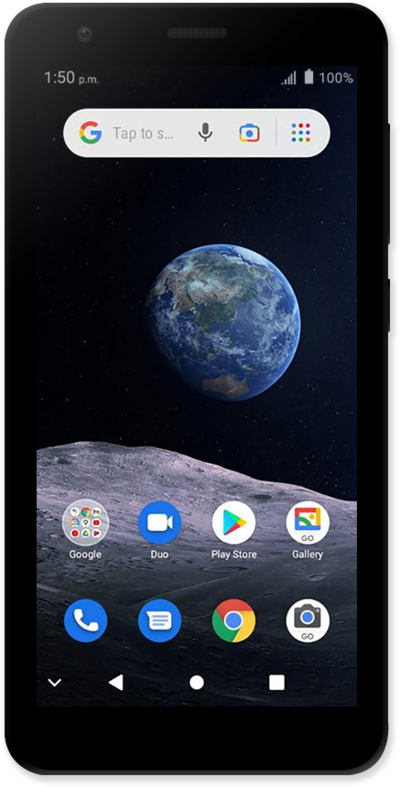
Customize your web browsing experience by bookmarking websites that you frequently visit for quick access.
1.
From the website you'd like to bookmark, tap the Menu icon.
2.
Tap the Star icon.
3.
To view your bookmarks, tap the Menu icon.
4.
Tap Bookmarks.
5.
Select the folder you wish to view.
6.
Select a bookmark to open it.
You can also add the Bookmark widget to your Home screen for faster access to your bookmarks.
7.
You've completed the steps!
