Capturing a screenshot
Galaxy Watch Ultra
Capturing a screenshot
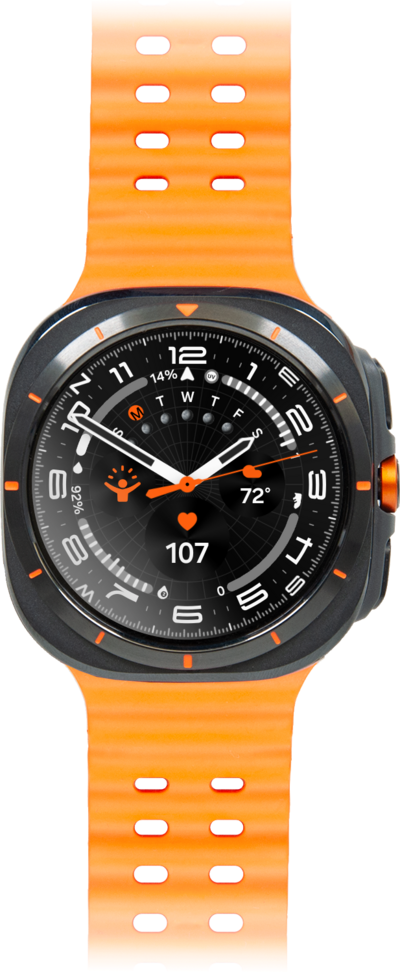
You can take screenshots of what is on your device. Screenshots can be viewed and shared like pictures.
1.
From the screen you would like to capture, press the Home and Back buttons at the same time.
Screenshots are saved in the gallery of your Watch as well as your paired device.
2.
You've completed the steps!
