Ignoring a call and replying with a text
Classic
Ignoring a call and replying with a text
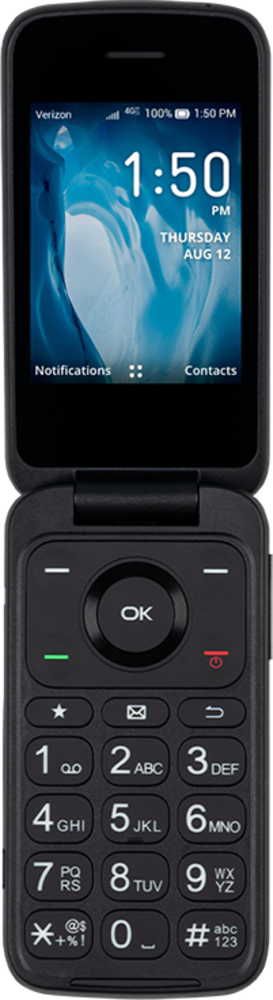
If you are unable to take a phone call, you can ignore the phone call and reply with a text to let the caller know you are unable to talk at that time.
1.
From the Incoming Call screen, press the Left button.
2.
Press the Left button again.
3.
Enter your message.
4.
Press the OK button to send your message.
5.
You've completed the steps!
