Setting the phone to silent
Classic
Setting the phone to silent
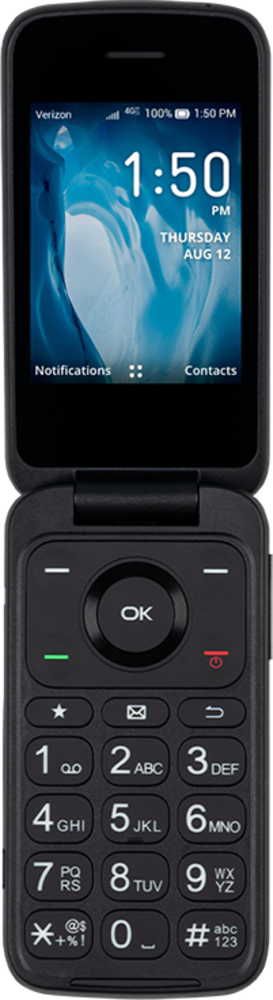
When your device is in do not disturb or silent mode, it will not make a sound to notify you of incoming notifications.
1.
Press and hold the Volume Down button to set your phone to vibrate.
2.
Press and hold the Volume Down button again to set your phone to silent.
3.
You've completed the steps!
