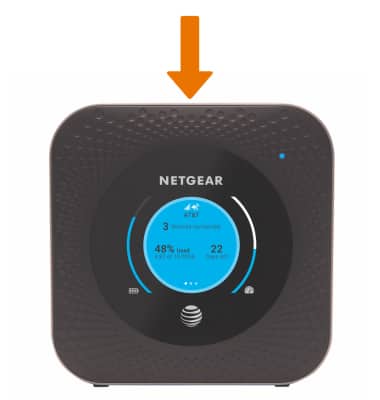
Power Device On or Off
Nighthawk LTE Mobile Hotspot Router (MR1100)
Power Device On or Off
Turn your device on and off.
-
To turn the device on, press and hold the Power button located on top of the device.
Note: If you are unable to turn your device on, plug the device into a power source for 15 minutes then try again.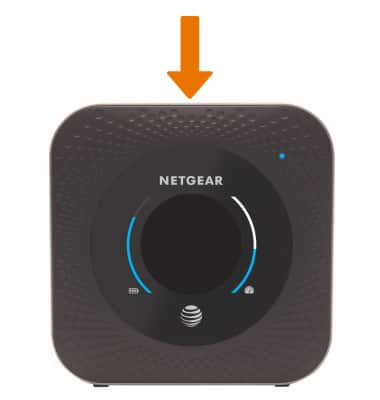
-
To turn the device off, press and hold the Power button located on top of the device.
Note: If you are unable to turn your device off with the Power button, remove and re-insert the battery.