Connected Devices
Nighthawk 5G Mobile Hotspot Pro (MR5100)
Connected Devices
View connected devices from Manager Website
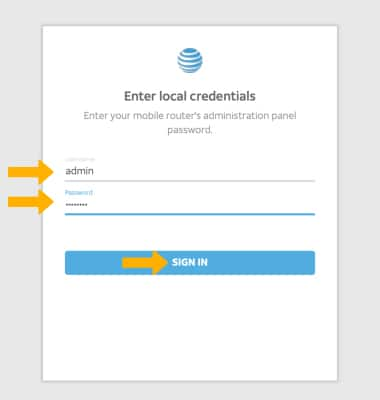
1. From your device's web browser, go to http://attwifimanager. Enter your Username and Password, then click SIGN IN.
Note: Ensure that your device is connected to the Netgear Nighthawk's Wi-Fi network. For more information, please see the Connect Devices to Wi-Fi or Connect PC or Mac to Wi-Fi tutorials.
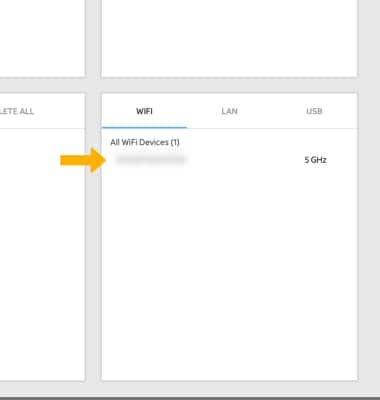
2. Scroll to the bottom of the page to view the connected devices.
View connected devices from Mobile Router
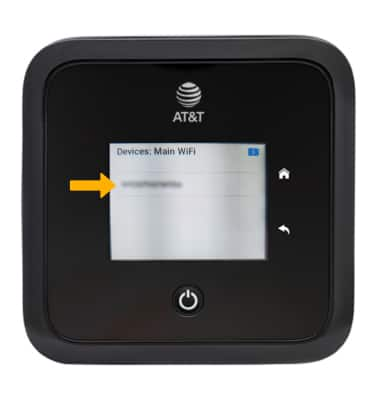
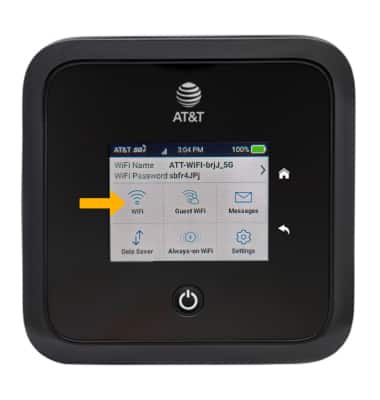
1. From the device home screen, select Wi-Fi.
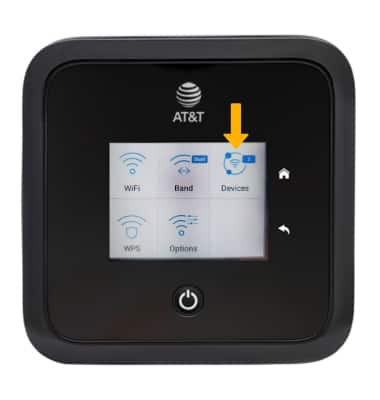
2. Select Devices.
3. Select Connected Devices.
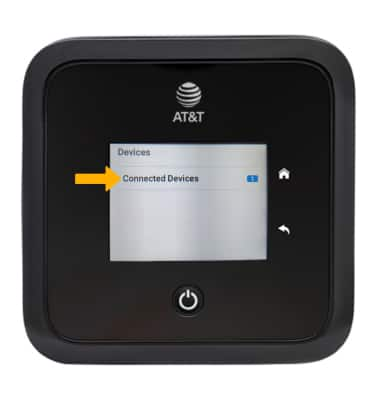
4. Connected devices will be displayed.