Software Version
Nighthawk 5G Mobile Hotspot Pro (MR5100)
Software Version
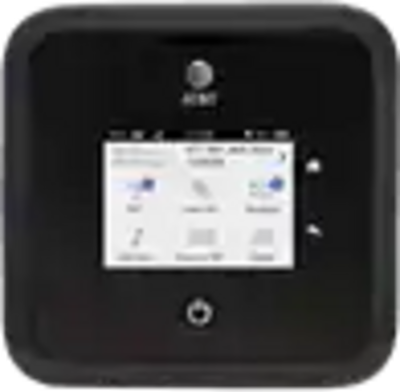
Determine your current device software version and check for updates.
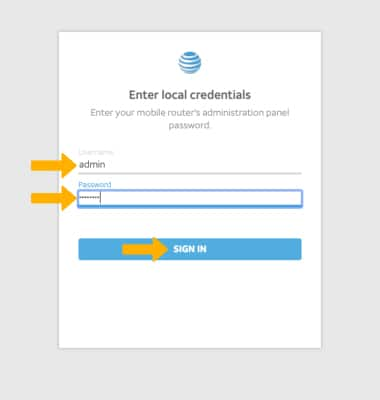
1. From your device's web browser, go to http://attwifimanager. Enter your Username and Password, then click SIGN IN.
Note: Ensure that your device is connected to the Netgear Nighthawk's Wi-Fi network. For more information, please see the Connect Devices to Wi-Fi or Connect PC or Mac to Wi-Fi tutorials.
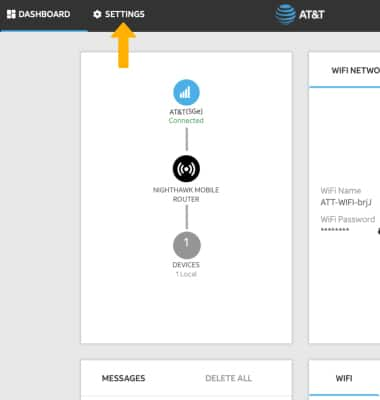
2. Click SETTINGS at the top of the page.
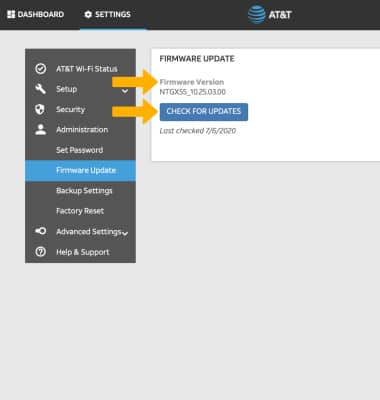
3. Click Administration, then click Firmware Update.
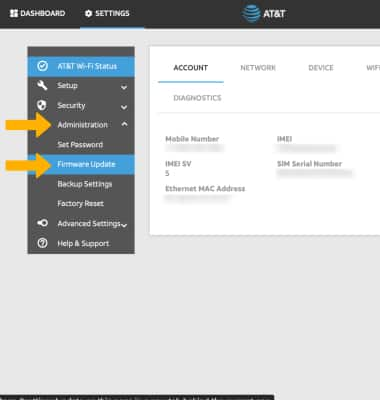
4. The current Firmware version will be displayed. To check for updates, click CHECK FOR UPDATES. Note: If an update is available, follow the on-screen instructions to perform the update.