Adding an international calling feature
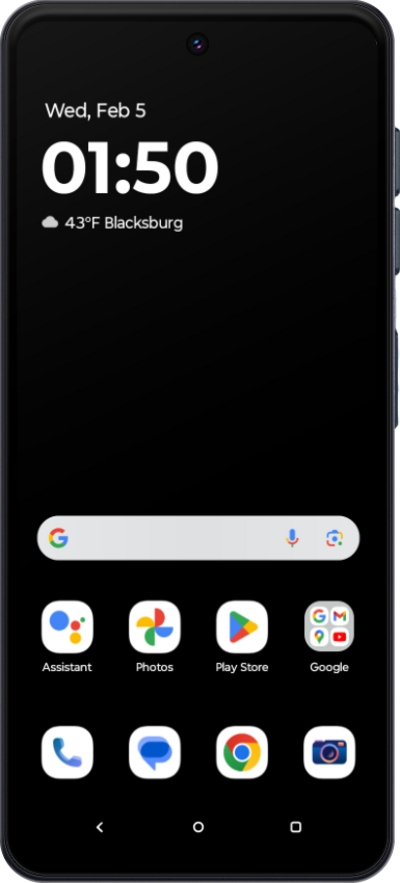
Moto G Stylus - 2025
Adding an international calling feature
Follow along to find out how to add extra features to your account.
1.
From the Services tab, select the device you'd like to view.
2.
Scroll to and tap Explore more add-ons.
3.
Tap Call another country from U.S..
4.
Scroll to and tap Add to device.
5.
Scroll to and check the appropriate boxes, and tap Submit.
6.
You've completed the steps!
